The deck, built and edited by conversation.
Chat on the left, your slides on the right. Ask for twelve slides in your template and they render as HTML beside the conversation, every figure read from your sources. Ask for a change and it changes.
Live in early access. The output you take into the meeting, from the same store as everything else.
Conversation
Build our monthly board update for August. Twelve slides, plain language, our template.
Pulling August from Google Analytics 4. Twelve slides, five chapters.
Make the channels chart a bar chart, and lead with conversions.
Conversions
1,284
+18.2%Sessions
128,940
+12.4%Engaged
61.7%
+3.1%Channels
Each slide is a web page.
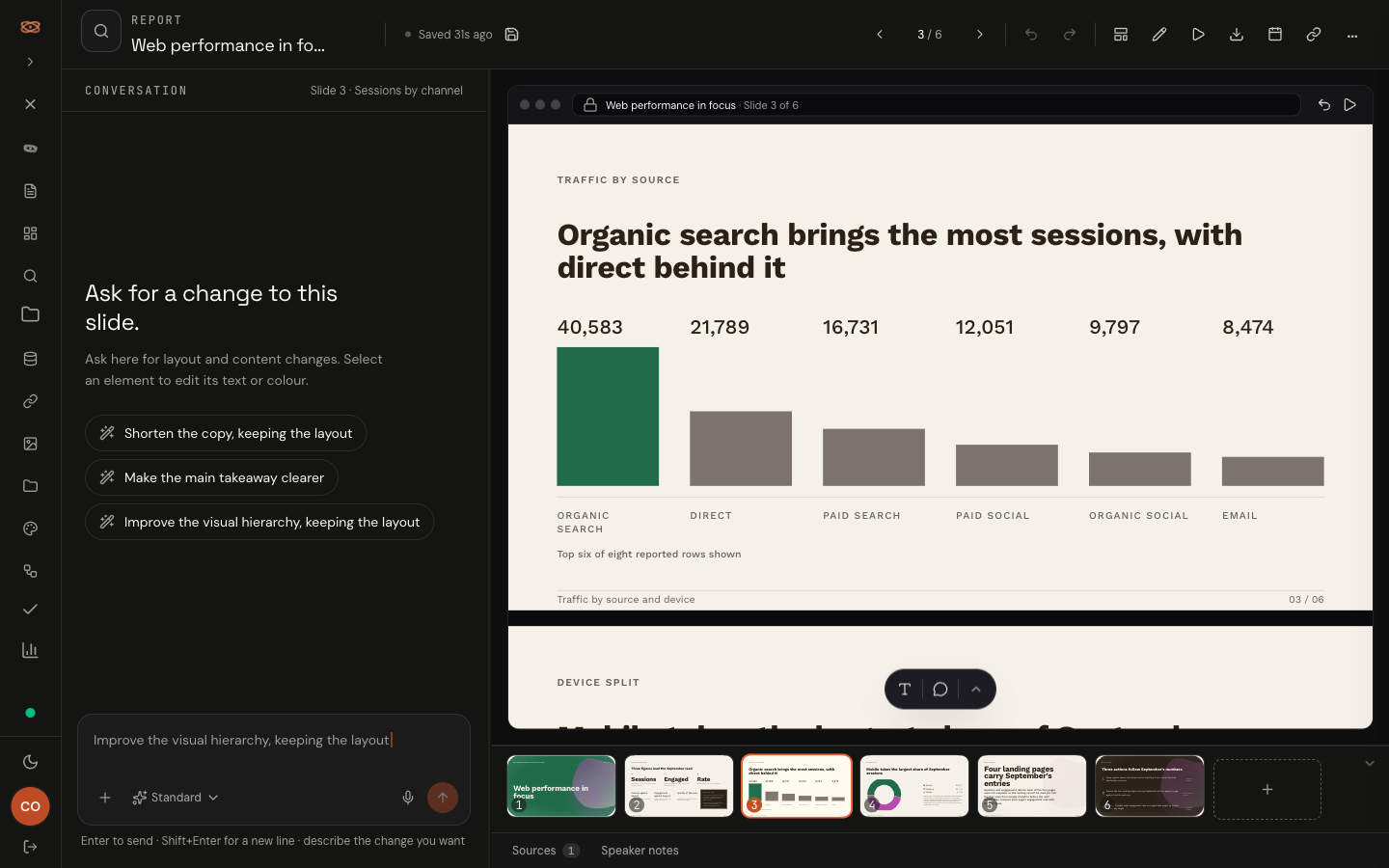
The AI writes the markup and the styles and the browser renders them, so what you see in the preview is the finished output. It chooses from a library of forty-nine slide compositions and a library of held metrics, both fixed lists, so it cannot invent a layout and it cannot invent a number. A critic reads every slide back before you see it.
Your template, kept.
Upload a PowerPoint and Confluxly reads its masters, colours and type, and keeps its artwork, fonts and charts. New decks come out in your house style, and the export writes back into your own file so what your stakeholders receive is still your template. Upload your brand guidelines as a PDF or Word file and they are distilled into a brief the AI follows.
Edit by asking, or touch it directly.
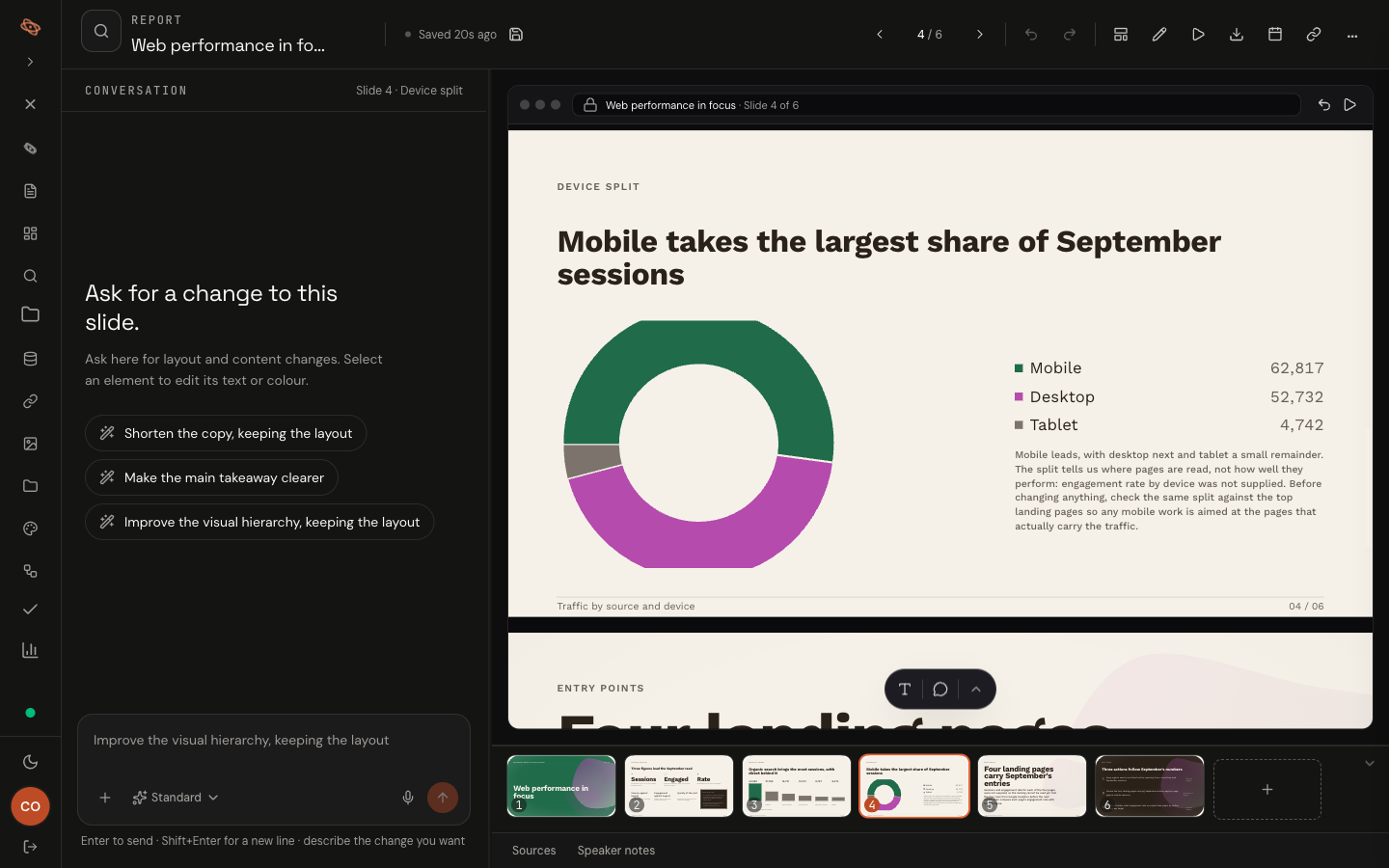
Swap a chart type, reorder a chapter, tighten a paragraph, change the emphasis. Each of those is one sentence. For the few things quicker by hand, select an element and a small floating bar edits its text or colour, and an element panel adjusts size, weight, alignment, spacing and borders. There is no tool rail and nothing to drag.
Last year's deck, rebuilt with new numbers.
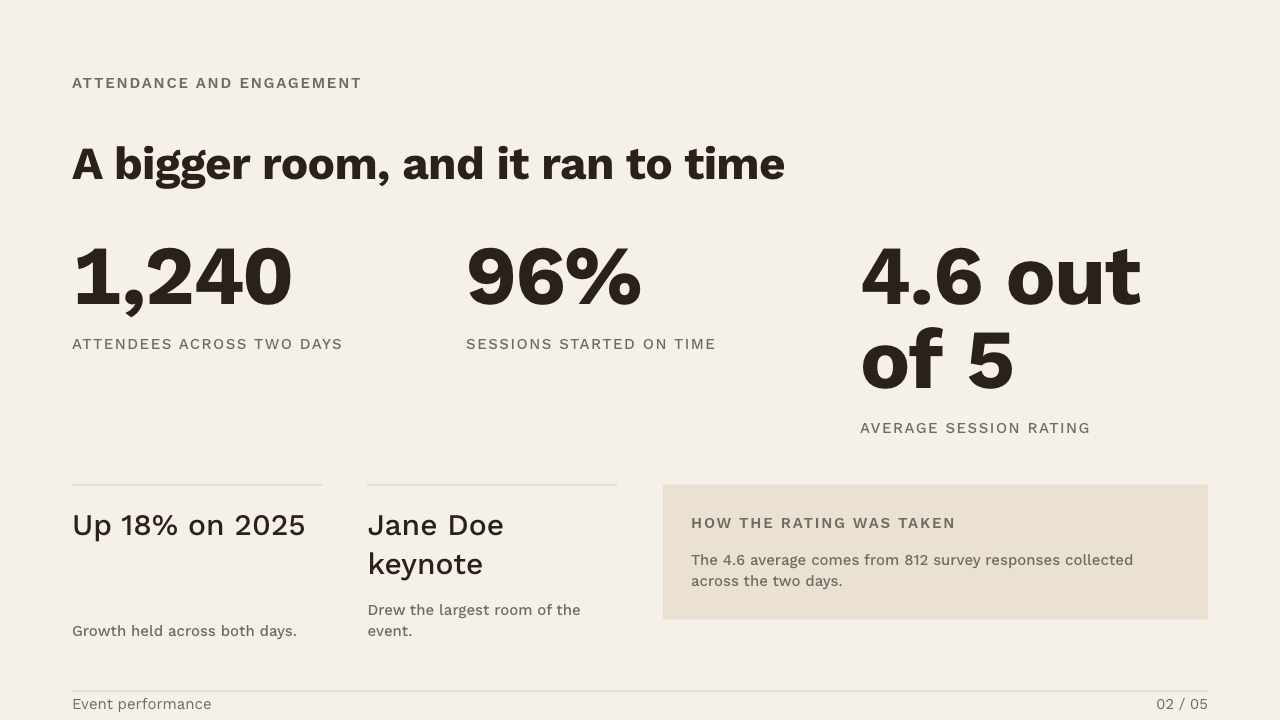
Attach last year's deck and ask for this year's version. The structure and design are kept, and every slide is rebuilt from your current connected data for the period you name. Anything that cannot be bound to a source is left visibly empty rather than filled with a guess.
Prompt
Quarterly performance
2025Before: 2025 deck
Quarterly performance
2026After: same slides, 2026 numbers
It stays current, and asks before it changes.
Put a deck on a schedule, once, daily, weekly or monthly, and it rereads its sources on that rhythm. Figures that moved wait for you to accept or decline each one. Nothing is published to a deck behind your back.
Hand it to the team.
Invite people to the workspace as owner, admin or member. Assign a slide with a brief and a deadline. Comment on the element you mean, mention a colleague and they get an email. The owner approves what is done.
- Speaker notes per slide, carried into present and export.
- Revisions you can step back through, and a draft recovered if the tab dies.
- Full-screen presentation from the deck itself.
What it does not do yet.
Written down so you do not have to ask. When one of these changes, the changelog says so.
Read the changelog- Export is to PowerPoint and PDF. There is no public share link yet, and no HTML export.
- The PowerPoint export writes real slide objects, but fonts are not embedded and effects the format cannot express flatten to an image. The export tells you which.
- There is no drag-and-drop or canvas editing, by design.
- A long deck composes while the tab is open. Server-side composition that continues after you close the tab is a safety net, not the main path.
Questions people ask about this.
The same store, other outputs.
- AskAsk a question and see the figures behind the answer.
- DashboardsLive pages that update every night with the latest figures.
- The storeFourteen months of your figures, kept in one place.
See it on your own numbers.
Get early access and we will build the first draft from one of your own sources.
Get early access